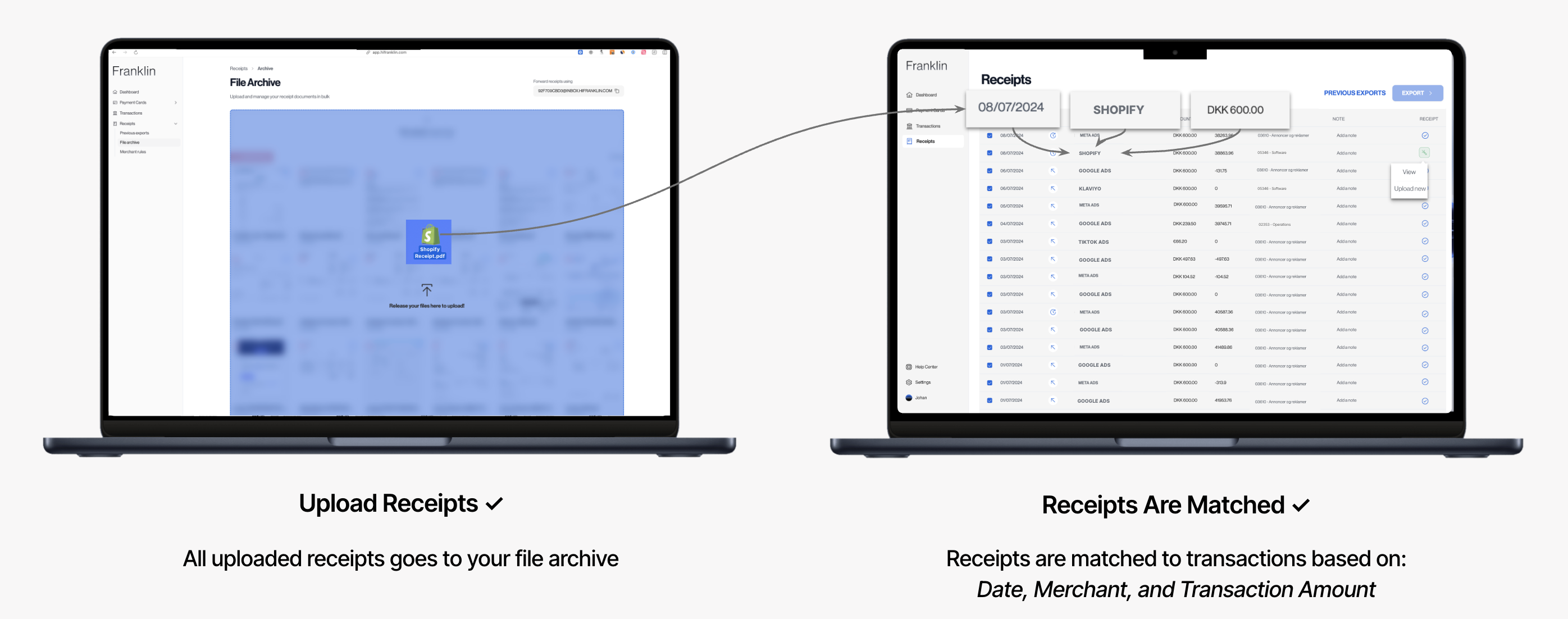
How AI-Receipt Matching work:
Once a receipt is uploaded to your File Archive, our AI will automatically attempt to match it to the appropriate transaction after one hour (we're working on an update that will try to match on an on-going basis!).
Receipts are matched based on a multitude of parameters, among others:
-
Date
-
Merchant Name
- Transaction Amount
Frequently asked questions:
"What happens if a receipt isn't matched?"
If a receipt isn't matched, it can be due to a number of things:
-
Transactions is not yet settled
-
We're unable to read the receipt properly (e.g. Missing data)
- Transaction is already matched (i.e. Multiple matches)
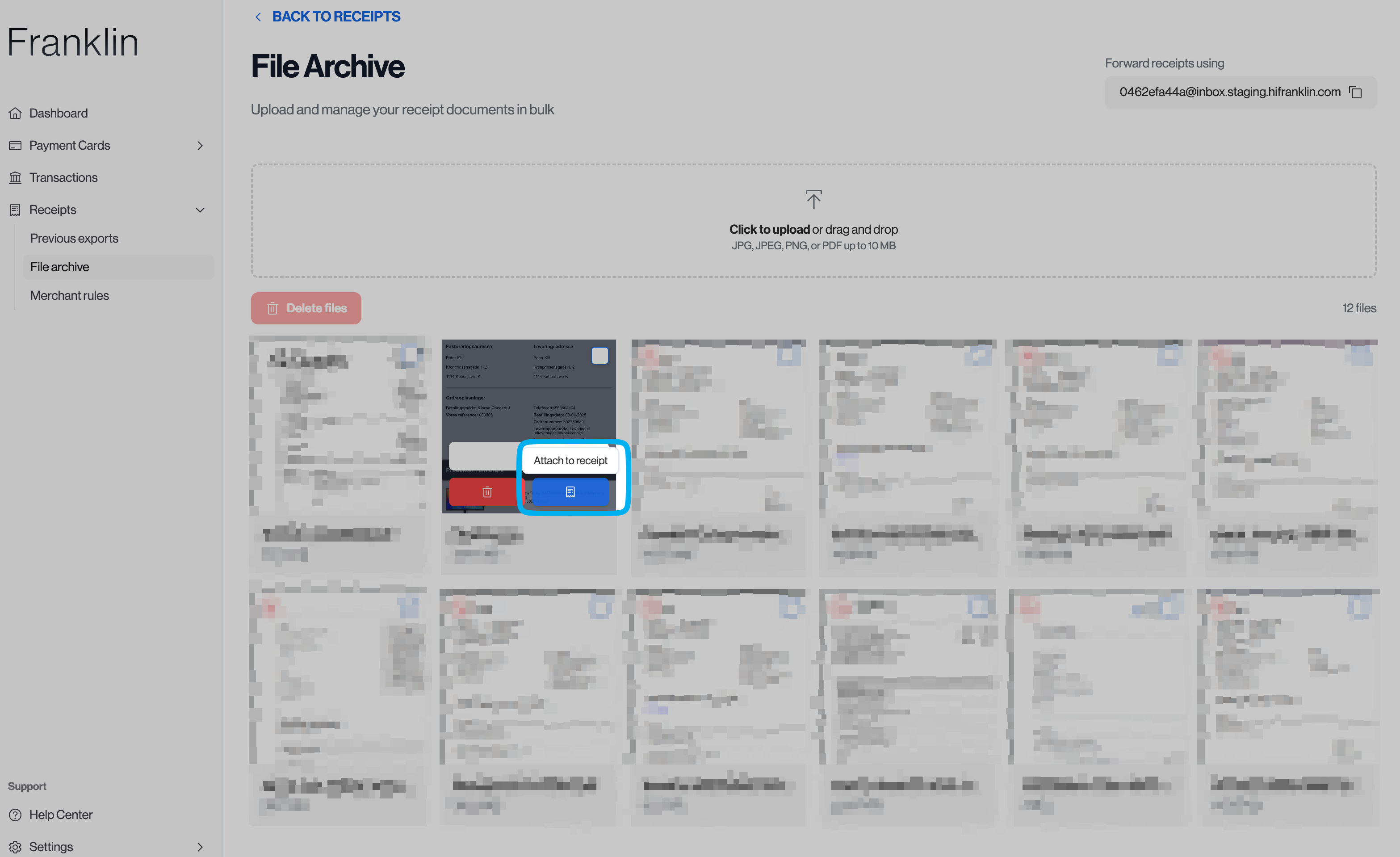
You can easily match a receipt manually by clicking "Match Receipt":
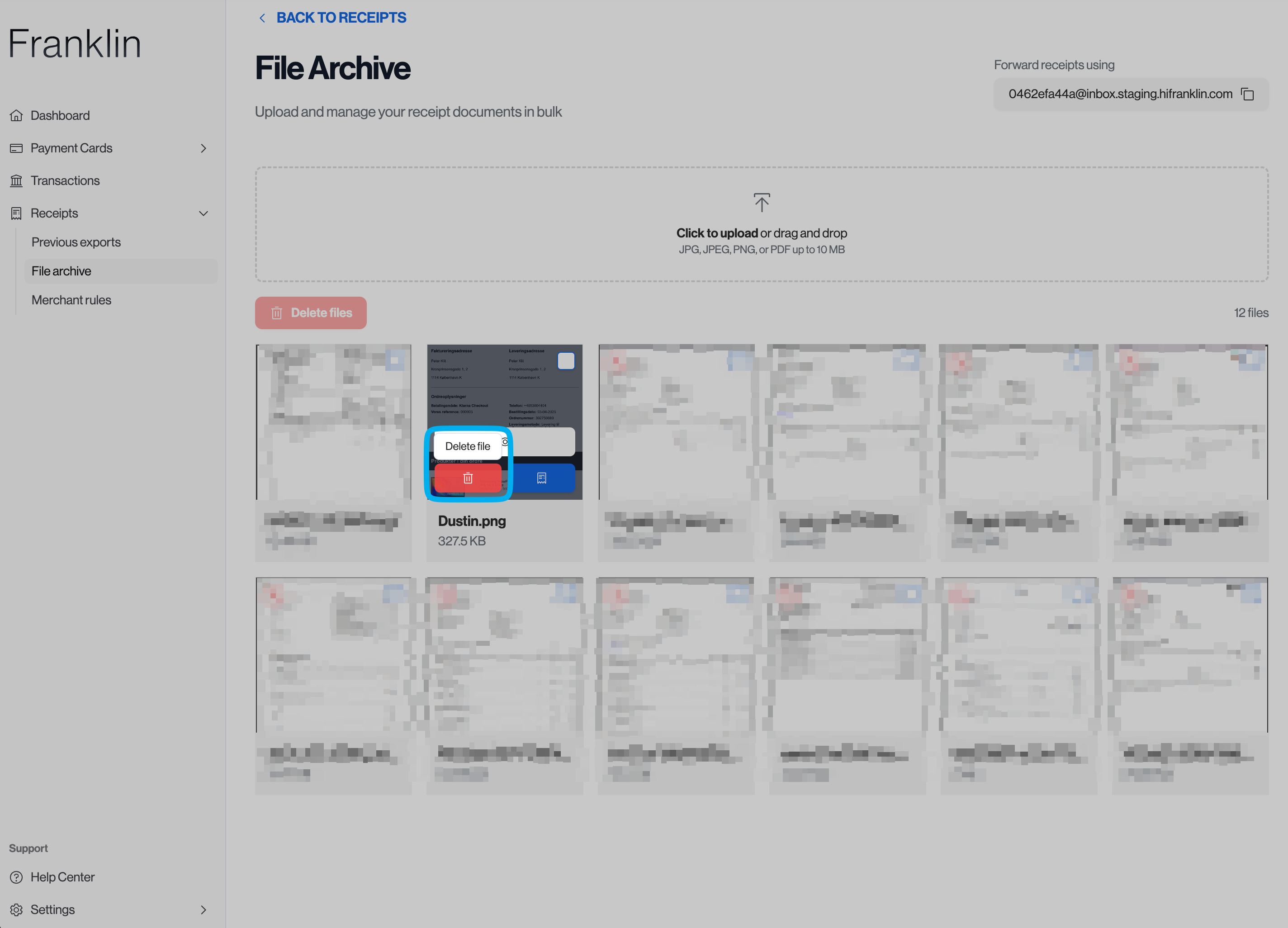
"Why is there random files in my File Archive?"
If you forward receipts received via email, there may be other attachments hidden in the email (e.g. a logo from a email-signature).
We recommend cleaning up your File Archive every once in a while by clicking "Delete file" on any unwanted receipts.